
Free Personal Chef Software That Does What You Actually Need
Traqly Essentials is free, handles clients, proposals, invoicing, and payments, and was designed for how chefs actually work.

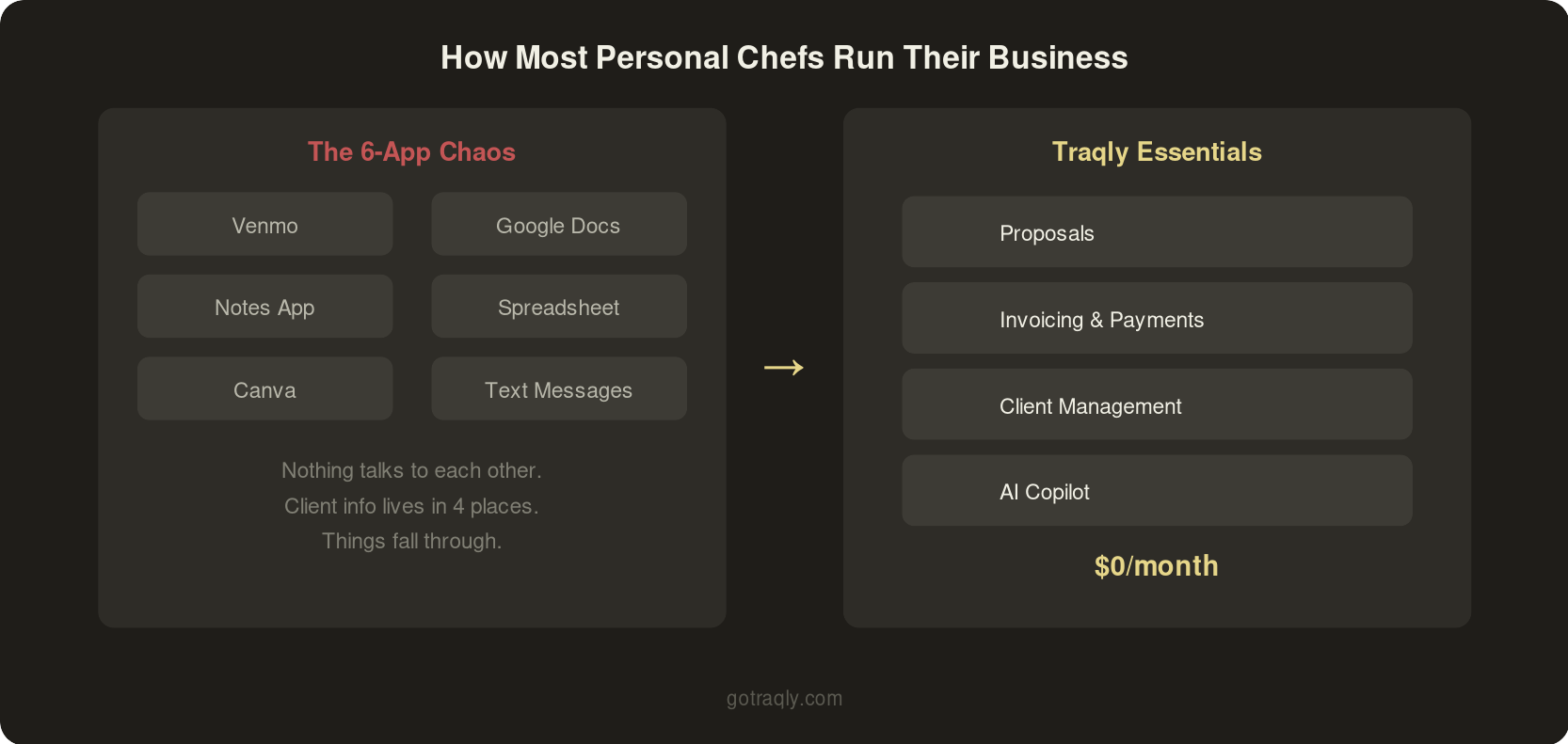
Have you ever lost a potential client because it took too long to get a proposal out? If the answer to that is yes, you are not alone! So many chefs use a software "stack" of google docs, venmo/zelle, notes app, text messages, etc. They recreate new proposals each time.
That works, up until it doesn't. You lose a lead because you can't remember who you already sent a proposal to and who's still waiting. You spend Sunday night reformatting an invoice in Canva instead of prepping for Monday's cook day. Maybe you even forgot a client's nut allergy one time. We've heard it all.
Chefs need something that can help them with the simple things - clients, proposals and invoices. While they focus on cooking.
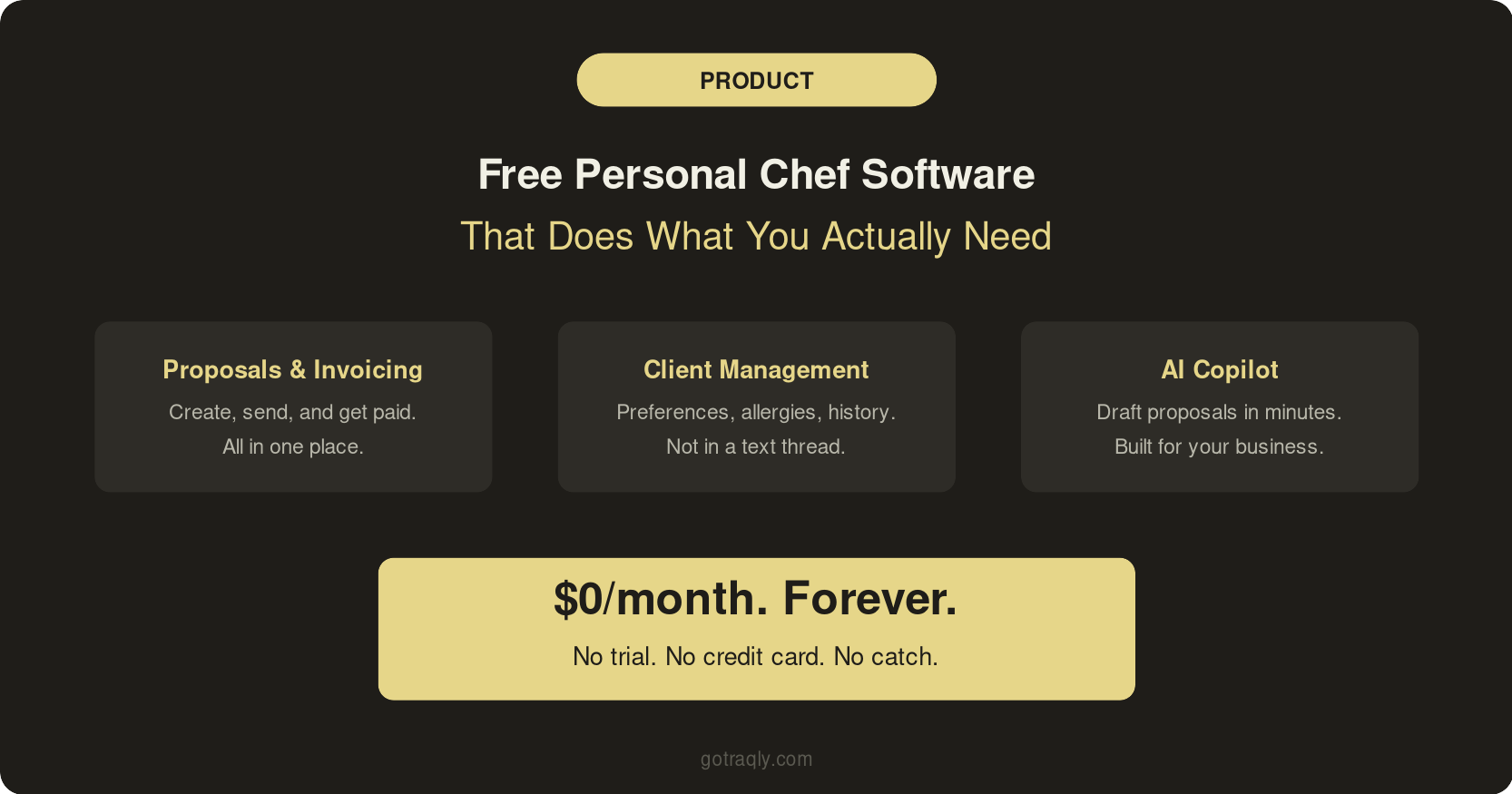
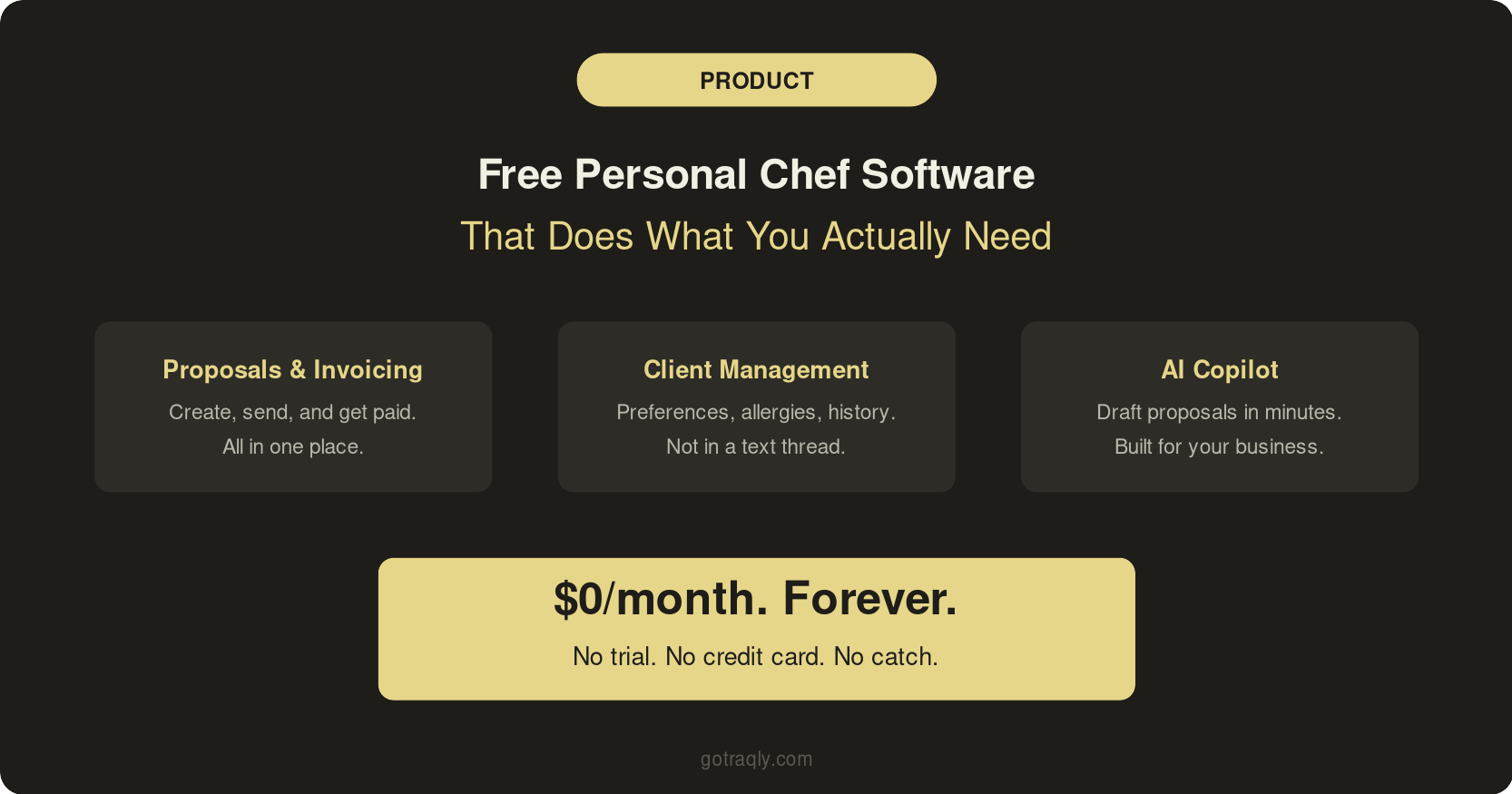
That's why we built Traqly Essentials. It's free. Not a trial, not a limited demo, not "free for 14 days then we charge your card." Free as in $0/month, forever, for the core tools you need to manage clients, send proposals, create invoices, and collect payments.
Here's what it does and why we made it this way.
What Personal Chef Software Should Actually Do
Before we get into what Traqly offers, it's worth stepping back and asking what personal chef software should even do. Because most of the tools on the market right now were built for photographers, wedding planners, or freelance designers and then slapped with a "works for any service business!" label.
A personal chef's workflow is specific. You manage recurring clients with dietary restrictions that change. You build menus weekly, shop for groceries, track costs, and bill separately for service fees and food. On Tuesday you're doing meal prep for a family of four. On Saturday you're running a 12-person dinner party with completely different scoping and pricing.
The software that actually helps a personal chef needs to handle a few things well:
Client management that goes beyond a contact list. You need each client's dietary restrictions, household size, preferences, and allergies in one place where you can reference them before every cook day.
Proposals that look professional without requiring a design degree. When a lead reaches out, you should be able to send a polished proposal within 24 hours, not spend 45 minutes reformatting a Google Doc. (If you're still figuring out what to include in a proposal, we wrote a full guide on that.)
Invoicing and payment collection that doesn't require chasing people down over Venmo. You send an invoice, they pay it, the money hits your account. Done.
An AI copilot that knows your business. Not ChatGPT in a wrapper. Something that can actually help you draft a proposal, suggest a menu, or answer a client question based on your specific pricing, services, and history.
Most generic business tools handle one or two of these. None of them handle all four for a personal chef.
Why Generic Tools Fall Short
You've probably looked at HoneyBook or Dubsado. They're excellent products. But they were designed for creative professionals who do project-based work: a photographer shoots a wedding, sends an invoice, moves on. A personal chef has ongoing weekly relationships with recurring billing, rotating menus, and dietary data that needs to live somewhere accessible.
HoneyBook doesn't know what a cook day is. Dubsado doesn't have a field for "tree nut allergy, second child only." Neither of them will help you build a grocery list or plan a menu.
Then there's the cost. HoneyBook runs $19 to $79/month. Dubsado is $20 to $40/month. You're paying $240 to $950 a year for tools that were designed for someone else's workflow, and you're still keeping client preferences in a separate spreadsheet because the CRM doesn't have the right fields.
The other option is cobbling together free tools. Google Forms for intake. Canva for proposals. Wave or Square for invoicing. A spreadsheet for client tracking. This works when you have two clients. When you hit five or six, the cracks show. Something falls through. A client's allergy info doesn't make it from the intake form to your menu planning. An invoice goes out late because you forgot who you already billed.
There's a reason chefs tell us the most common business problem isn't finding clients. It's that the admin work takes too long and the tools don't talk to each other.
What You Get with Traqly Essentials (Free)
Traqly Essentials is the free tier of Traqly. Here's what's included.
Proposals, invoicing, and payment collection. Create and send proposals that look professional. Convert accepted proposals into invoices. Collect payments directly through the platform. No more Venmo screenshots or "did you get my payment?" texts.
Client management. Keep every client's information in one place: contact details, dietary restrictions, preferences, household info, communication history. Pull it up before every cook day without digging through old text threads.
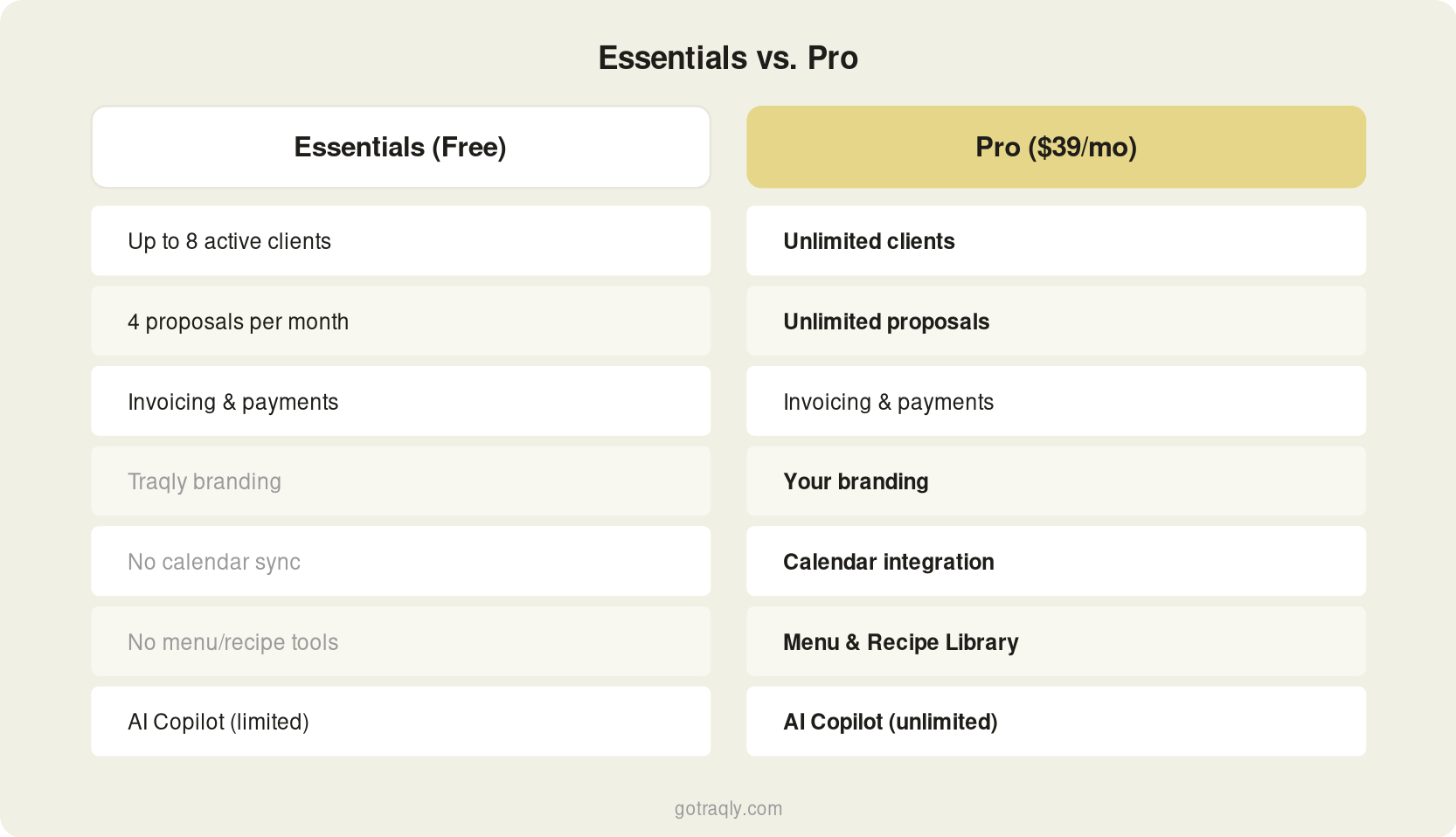
Up to 8 active clients. That's enough for most personal chefs who are building their business or running a steady weekly rotation. If you're doing weekly meal prep for 6 families, you're covered.
Up to 4 proposals per month. Enough to handle your pipeline without artificial pressure. Most personal chefs aren't sending 20 proposals a month. They're sending a few targeted ones to serious leads.
AI Copilot (limited requests). Ask Traqly can help you draft proposals, answer questions about your services, and handle tasks that used to take you 30 minutes in 5. Even the free tier includes access, so you can see how it works before you decide whether you need more.
No credit card required. No trial expiration. You sign up, you start using it. If the free tier does everything you need, stay on it. We'd rather have a chef using Traqly for free than struggling with a mess of apps that don't work together.
When to Upgrade to Pro
Essentials is built for chefs who are starting out or running a smaller operation. But if your business is growing, Traqly Pro at $39/month unlocks the full platform:
Unlimited clients and proposals. No caps. If you're managing 15 weekly clients and fielding new inquiries every week, Pro removes the limits.
Your branding on proposals and invoices. White-label everything with your logo, colors, and business name. Your clients see your brand, not ours.
Calendar integration. Sync your cook days, events, and client schedule with your calendar so nothing falls through.
Menu and Recipe Library. Store your recipes, build menus, and connect them to client preferences and grocery lists. This is where Traqly's recipe-to-ingredient-to-grocery-to-cost chain lives, and it's the feature that saves chefs the most time week over week.
Unlimited AI Copilot. Full access to Ask Traqly with no monthly request cap. Use it for proposals, menu suggestions, client communication, and anything else you'd normally spend time doing manually.
Reporting dashboard. See your revenue, client activity, and business metrics in one place. Know which clients are most profitable and where your time is going.
Priority support. When you need help, you get it fast.
The jump from Essentials to Pro makes sense when you're consistently hitting the 8-client or 4-proposal cap, or when you want the menu and recipe tools that connect your entire workflow from planning to grocery to cost tracking.
Get Started
If you're currently running your personal chef business across four or five different apps and it's working fine, keep doing it. But if you're spending time on admin work that should be going toward cooking, or if you're losing leads because your proposal process is slow and manual, try Essentials.